

Microsoft Fabric
An all-in-one data platform that covers everything from data storage and data movement to AI, real-time analytics, and business intelligence.
We’ll help you get started with your Microsoft Fabric project.

One unified data platform for your analytics needs
Microsoft Fabric brings a range of Microsoft services, such as data lake management, data engineering, and data integration into a single platform – in one location and at a unified price.
With Fabric, you don’t need to piece together different services from multiple vendors. Instead, you can enjoy a highly integrated, end-to-end, and easy-to-use product that is designed to simplify your analytics needs.
Why a Business Should Consider Microsoft Fabric
Many organisations face the same set of practical challenges in their data landscape:

Complex reporting
Critical processes still rely on Excel, shared folders, manual data extracts, and spreadsheets that only one person truly understands.

Disparate systems
Source systems are increasingly disparate – finance, operations, CRM, web analytics, supply chain, and third-party tools all hold important data, but rarely speak to each other cleanly.

No single source of truth
Multiple versions of the truth appear as teams build their own semantic layers, Power BI models, or SQL databases to fill gaps left by legacy systems.

Data ownership
Governance becomes an afterthought, with unclear data ownership and no central way to manage definitions, quality, or security.
Microsoft Fabric directly addresses these issues by providing a single, coherent platform where ingestion, storage, transformation, analysis and governance are all aligned. It replaces a patchwork of tools and manual processes with a unified environment built for consistency, scalability and long-term maintainability.
What is Included in Microsoft Fabric?

Data Factory
Get data loaded in within hours – bring in existing datasets into OneLake and start building pipelines from day one. Data Factory allows you to start small, load what you already have, and begin working immediately.

OneLake
Create a single hub by bringing all data into a unified OneLake environment. Give teams a single, consistent place to store, manage, and query information without dealing with multiple silos.

Data Engineering
Access Spark-powered, distributed computingand use notebooks to clean, transform, and analyse data at speed and scale. This combines Spark, SQL, and Python in a single real-time Data Engineering environment that expands with your workload.

Lakehouse and Warehouse
One platform for engineers and SQL developers to clean and shape data fast. This enables data and SQL teams to make quicker reports with fewer performance issues.

Data Science
Accelerate advanced analytics and machine learning. Use Data Science notebooks to explore data, build models, and run experiments with Python, Spark, and popular ML libraries in a unified, scalable environment.

Real-Time Analytics
Ingest and analyse streaming data instantly. Use Real-Time Analytics to capture events, query live data with KQL, and power dashboards or alerts with sub-second latency – all in a scalable, high-throughput environment.

Data Activator
Turn insights into action instantly. Watch your data in real time and automatically trigger alerts, workflows, or business actions with Data Activator.

Power BI
Create reports directly on top of your Lakehouse, Warehouse, or Real-Time Analytics data using the natively integrated Power BI with no copies required. Fabric ensures a single source of truth, automatic model refresh, and Entra governance so it always reads live, optimised, centrally managed data.
Want to see a demo?
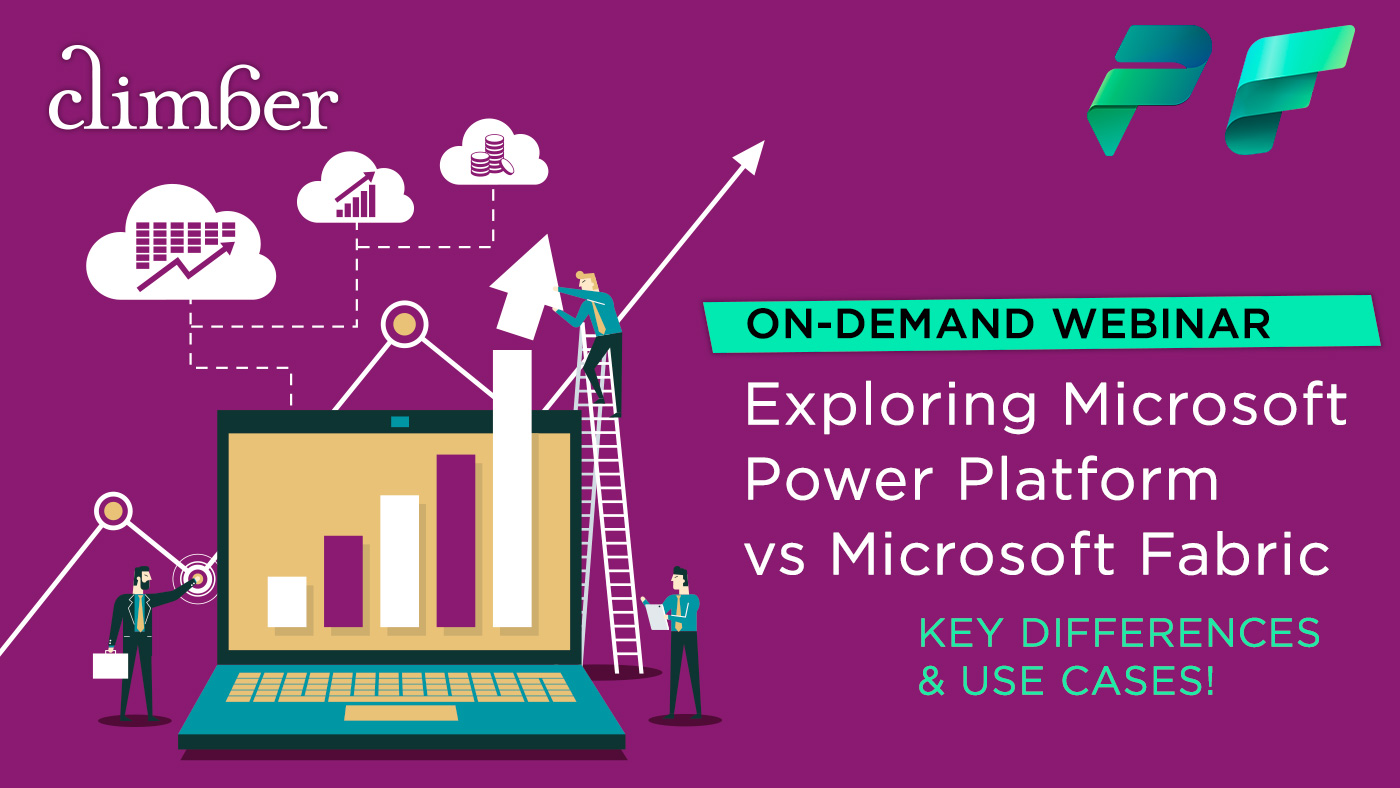
Whether you are already leveraging Microsoft technologies or new to the ecosystem, this on-demand webinar will provide you with a clear understanding of how Microsoft Fabric and Power Platform can work together to deliver seamless, scalable solutions across your organisation.
The webinar covers
- An overview of Microsoft Power Platform and Microsoft Fabric
- Key differences between Power Platform and Fabric
- How the two environments can complement each other for enhanced productivity
- Real-world use cases and examples

The Benefits of Microsoft Fabric
With these capabilities, Microsoft Fabric offers a seamless integration that maximises efficiency and productivity, unleashing the full potential of your data landscape.
Scalability
- Elastic F capacities scale up for backfills, down for steady state.
- High-concurrency Warehouse for SQL workloads; cache and aggregations for BI peaks.
- Delta Lake with partitioning and optimisation keeps big data fast.
- Isolate workloads with capacity settings to ensure workflows remain in their lanes.
Governance and data quality
- Centralised permissions in OneLake; sensitivity labels flow to reports.
- End-to-end lineage and audit logs across pipelines, models, and reports.
- Domains and data products for ownership; workspaces per environment.
- High level to granular security features to ensure data doesn’t fall into the wrong hands.
- Built-in validation patterns, Data Quality checks, before data reaches “gold”.
AI
- Clean, governed gold data feeds Copilot, notebooks, and ML.
- With Copilot you can easily ask questions of your data and cut analysis time in half.
- Natural-language help for SQL, DAX, and report creation where enabled.
- Open Delta format for feature reuse across tools.
- Real-time signals (KQL) to power predictive and anomaly scenarios.
Integration
- Shortcuts link Azure or AWS data to OneLake without copying.
- 200+ connectors via Pipelines/Dataflows for SaaS and databases.
- Event Streams and KQL for telemetry, IoT, and clickstream.
- Microsoft Power BI sits natively on centrally managed Lakehouse/Warehouse semantic models.
Cost
- One platform replaces separate data lake, ETL, warehouse, and BI tools.
- Right-size F capacity; monitor and cap workloads for predictability.
- Open storage (Delta) reduces duplicate copies and egress.
- Retire overlapping services to cut license and ops spend.
Development
- Choice of SQL, Python (PySpark), DAX, and ‘low code-no code’ capabilities.
- Git integration and CI/CD deployment pipelines for Dev → Test → Prod.
- Reusable medallion patterns (bronze/silver/gold) boost delivery speed.
- Templates and Copilot accelerate common pipelines and reports.
Governance and operations
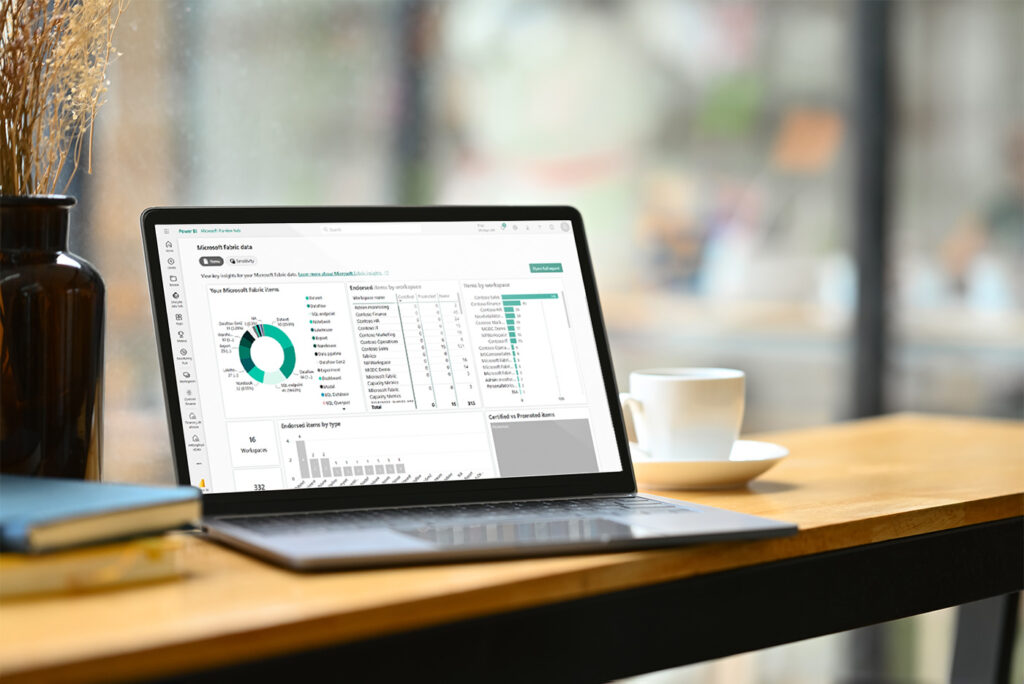
Microsoft Fabric puts governance in one place. OneLake gives you central permissions, sensitivity labels that flow into reports, and clear ownership via domains and workspaces. Data moves through a standard bronze/silver/gold path on Delta Lake, so quality checks, deduping, and schema enforcement happen before anything reaches your business layer.
End-to-end lineage shows where every field came from and who changed it, making audits and root-cause analysis straight-forward. The result is trusted, compliant data that teams can use confidently without side doors or one-off fixes.
AI Capabilities
AI only works when the data is clean, consistent and accessible. Microsoft Fabric solves this by producing curated “gold” tables in OneLake that data scientists and analysts can use directly. Real-time streams land in KQL databases for anomaly detection and operational signals, while the historical layers in the Lakehouse provide stable training sets.
Copilot, where enabled, speeds up SQL/DAX and report creation without bypassing governance, because everything sits on the same secured platform. You get faster pilots that move into production, not throwaway proof of concepts.
How Microsoft Fabric is priced
Capacities (F SKUs)
Microsoft Fabric is licensed through compute capacities such as F2, F4, F8, and upwards. Every Fabric workload – Lakehouse, Warehouse, Power BI in Fabric, Real-Time Analytics and more – runs on this shared capacity pool.
Think of an F SKU as your compute engine: It’s essentially the CPU cores and RAM you’re purchasing to power all your Fabric jobs, pipelines, data engineering workloads, and analytics processes.
Bursting and Smoothing
If you temporarily exceed your purchased capacity, Fabric allows bursting letting you consume more compute than you’ve paid for during short spikes.
This is later balanced out through smoothing when your tenant is running under capacity.
Sizing Guidance
Microsoft provides a Capacity Calculator, but it can be quite high-level.
At Climber, we strongly recommend a tailored consultation to accurately assess workload patterns, growth expectations, and performance targets so you select the right SKU from day one.
Storage
Data sits in OneLake (Delta tables, artifacts).
Expect standard Azure storage charges but these are pennies on the GB; compute is the big lever when it comes to cost.
Buy Model
Pay-as-you-go monthly or reserved (committed) for discounts.
What drives the bill
- Concurrency and SLAs: Higher and steadier concurrency → larger F SKU.
- ELT profile: Heavy backfills and wide joins spike compute.
- Model size and visuals: Big semantic models and chatty dashboards keep engines hot.
- Real-time: KQL ingest and streaming add steady-state load.
Cost control that actually works
- Right-size capacities: Start small, measure, step up only when queues grow.
- Workload guards: Reserve a % for Warehouse/BI to prevent “noisy neighbour” ELT jobs from starving them.
- Optimise Delta: Partitioning & compaction can reduce scan cost dramatically.
- Incremental everything: Incremental ingest and incremental refresh for BI; pre-aggregate where it pays off.
- Automated Promotion: Implement fully automated promotion workflows to ensure version controlled deployments supporting Continuous Improvement and Development.
More in depth information on costing can be found in our blog post here »
Training
The Climber Academy is the ideal starting point for teams beginning their Microsoft Fabric journey. Our in-person, instructor-led training gives your team the chance to ask real project questions, work through hands-on exercises, and build confidence with the platform from day one.
It’s also an excellent pathway toward the DP-600 certification and helps build team confidence in the Microsoft Fabric platform. The DP-600 course from Microsoft itself is a strong foundation for any organisation adopting Fabric, covering core areas such as architecture, data engineering, SQL analytics, Power BI, real-time monitoring, and governance. This ensures your team is prepared to design, build, and operate a modern analytics solution.
Getting Started with Microsoft Fabric
However you decide to move forward with Microsoft Fabric, you’ll need to manage your stakeholders to get the data you need, know it is cleansed and in the right shape, and have a Project Manager to ensure that the all-important budgets and timescales stay on track.
Get in touch to see how we can help you with your Fabric deployment!